
Getting Started: Personal Documents
This feature enables you to keep track of personal documents in our ASCENT Aviation E-training system, ranging from pilot license, health card, driver's license, passport, etc.
Personal documents can be entered for each student in the registrar role. In the registrar/settings, you can also allow the manager role to enter personal documents for students (if the 'Student Actions Menu' is enabled for the manager), and you can enable the student to enter and control their own (in their profile page).
- In the registrar or manager, go to the Users tab,
- then under the Students tab, and find the student you want.
- Pull down their 'Actions' menu and select 'Personal Documents'.
Note: Each personal document can be uploaded and assigned an expiry date, along with automated email reminders.
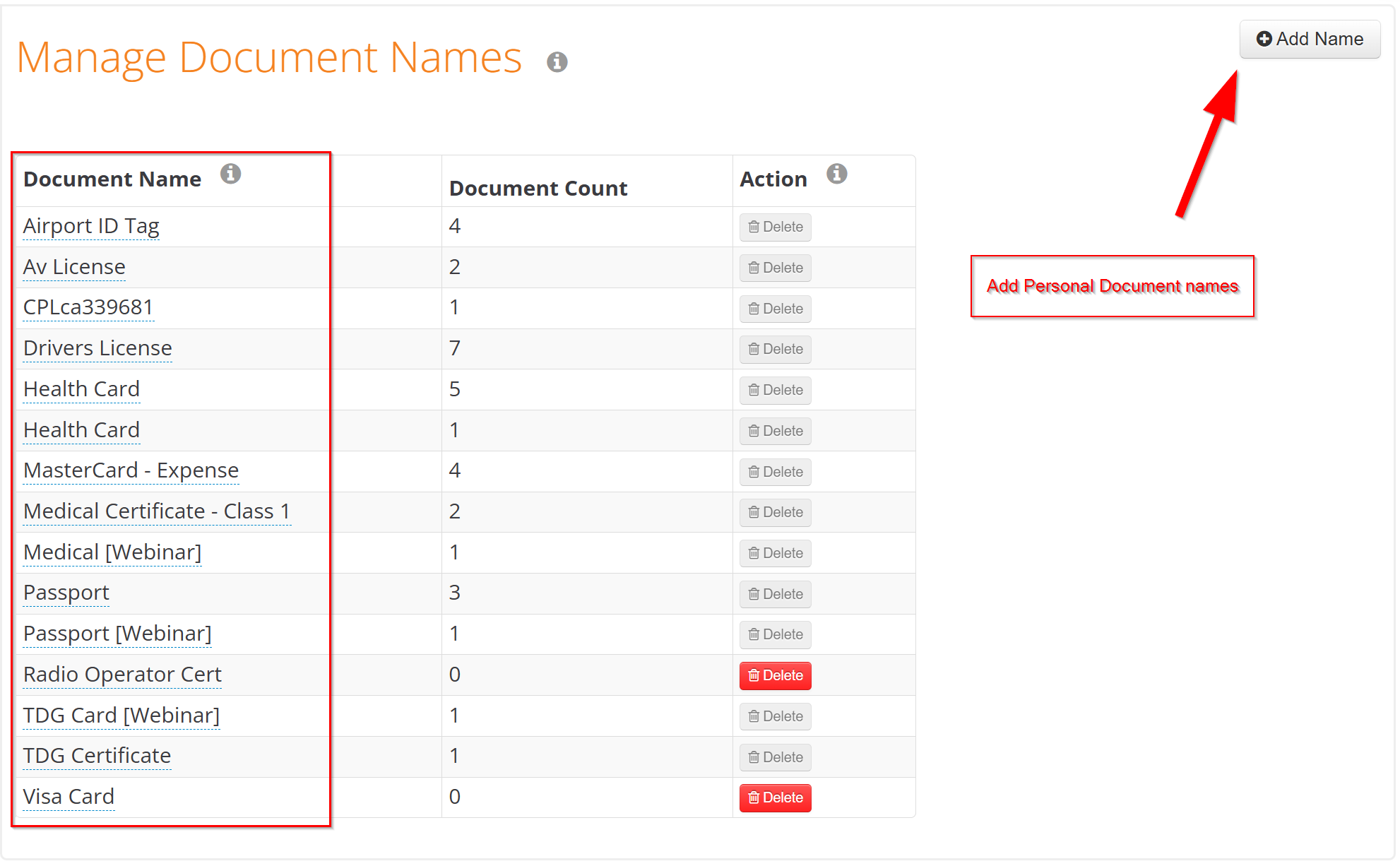
The names of the personal documents are managed in REGISTRAR/Settings/Customization tab. This is to prevent users from entering different personal documents that are not necessary for aviation operations.
In the RECORDS section of the REGISTRAR and MANAGER, there is a report for Documents, allowing you to view upcoming expiring Personal Documents and other related information to keep track of.
Please email support@aerostudies.com if you encounter any issues during this process.